▣
System Information
Review CPU, RAM, operating system, device model, GPU, and storage summary in one clean workspace.
 SystemScope Pro
Professional Diagnostics
Download
SystemScope Pro
Professional Diagnostics
Download
Trusted diagnostics workspace for technicians, repair shops, and power users.
SystemScope Pro helps technicians and everyday users review system health, SMART status, battery condition, device tests, diagnostic reports, advanced recovery workflows, and deep storage analysis from a modern Windows interface.
Store-safe diagnostics edition + optional Desktop Pro tools for advanced recovery and deep storage scanning.
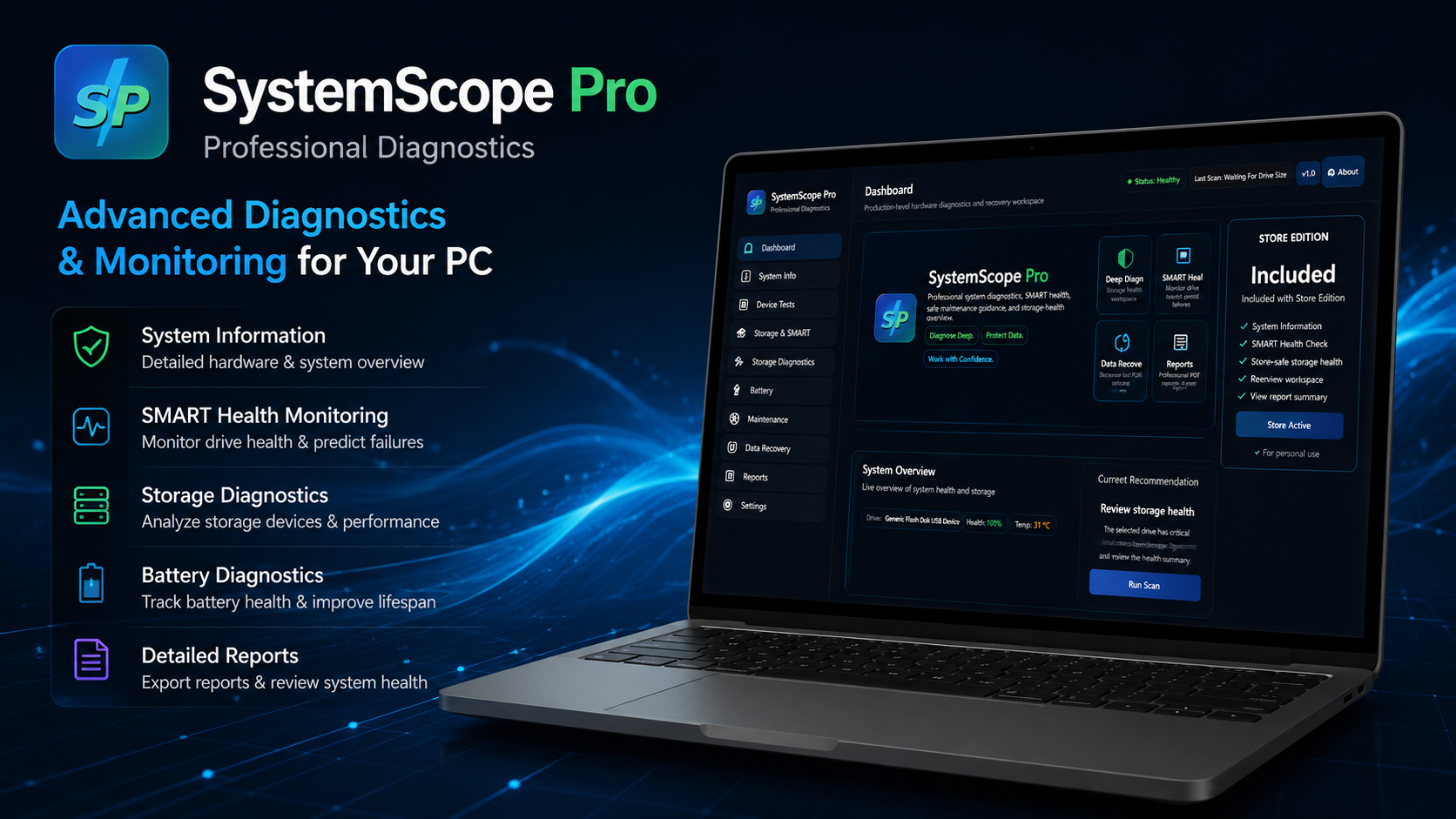
Review CPU, RAM, operating system, device model, GPU, and storage summary in one clean workspace.
Monitor storage health indicators and quickly identify drives that need attention before failure.
Check battery health, design capacity, full charge capacity, cycle count, and wear level.
Validate keyboard, mouse, USB devices, audio playback, microphone input, and camera availability.
Generate clear summaries that help users and technicians understand system condition quickly.
The Microsoft Store edition focuses on safe diagnostics, monitoring, and reporting workflows.
Free / Store-safe
Advanced toolkit
| Feature | Microsoft Store Edition | Desktop Pro Edition |
|---|---|---|
| System information | Included | Included |
| SMART health overview | Included | Included |
| Battery diagnostics | Included | Included |
| Device tests | Included | Included |
| Report summaries | Basic | Advanced |
| Advanced data recovery workflows | Not included | Included |
| Deep storage surface scan | Not included | Included |
| Advanced desktop workflows | Not included | Included |
| Technician-focused tools | Limited | Included |
| License option | Store edition | Lifetime desktop license option |